
Download Propaganda – podcasting, audio editing, recording, publishing, podcast creator, audio tools, creative tools, content creation, professional podcast, recording software
Overview
Propaganda is a mobile application designed to support aspiring podcasters in creating professional-quality audio content with minimal technical barriers. The app addresses the common challenges faced by new creators—such as complex software interfaces, difficult publishing workflows, and inconsistent audio quality—by integrating essential tools into a single, accessible platform. Its core purpose is to simplify the entire podcast production lifecycle, from initial recording to final distribution, enabling users to focus on storytelling and content rather than technical hurdles.
Target users include independent creators, students, educators, entrepreneurs, and hobbyists who want to share their ideas through audio without investing in expensive equipment or learning advanced editing techniques. The app’s intuitive design makes it suitable for beginners, while its comprehensive tools offer enough depth to support more experienced users. Real-world use cases include educational content delivery, personal vlogs, interviews, and narrative storytelling—all of which benefit from a streamlined, all-in-one solution.
Developed by Eddie C. Reardon, the app has been available since 2010, indicating a long-standing commitment to audio content creation. Though the developer did not provide additional technical details, the app’s enduring presence in the productivity space highlights its relevance and reliability. In the broader app ecosystem, Propaganda fills a niche for lightweight, efficient tools that empower individuals to produce and share audio content independently.
Key Features & Functionality
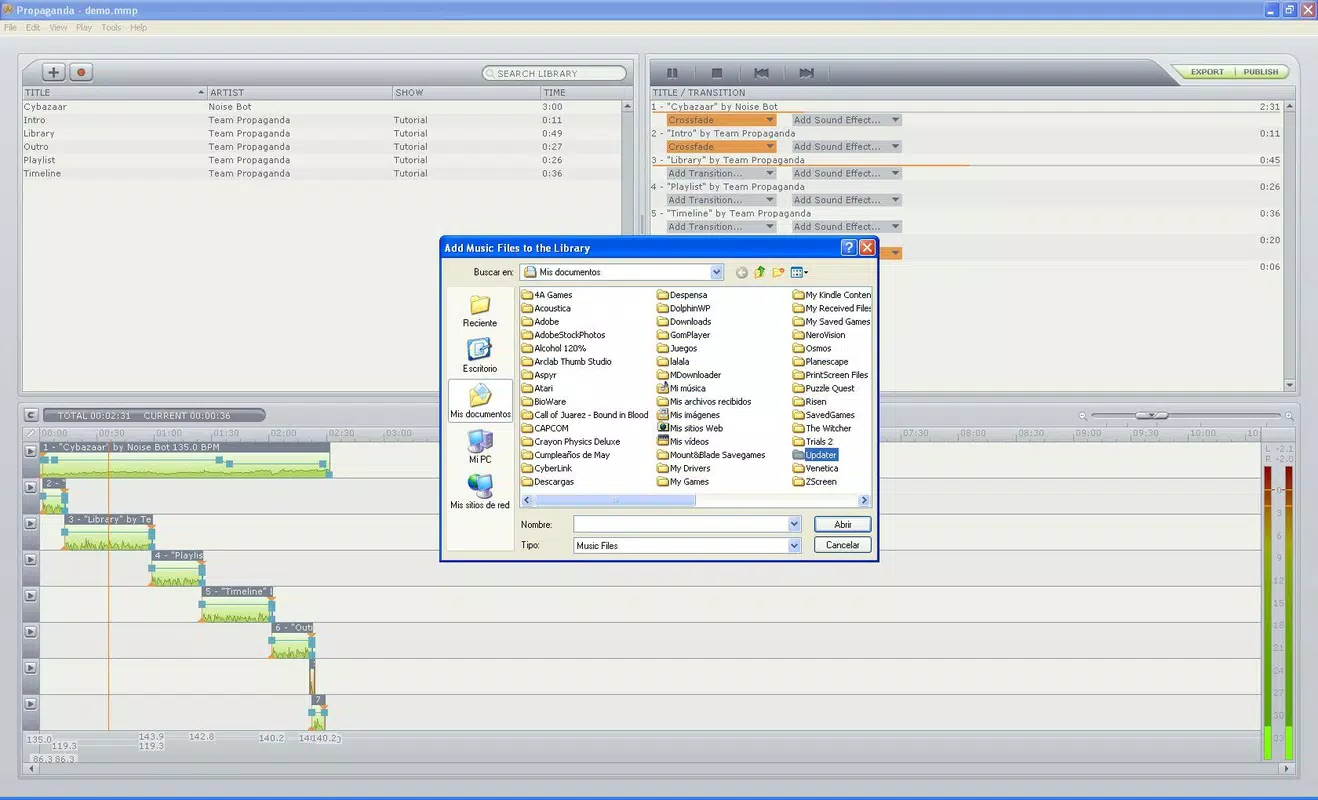
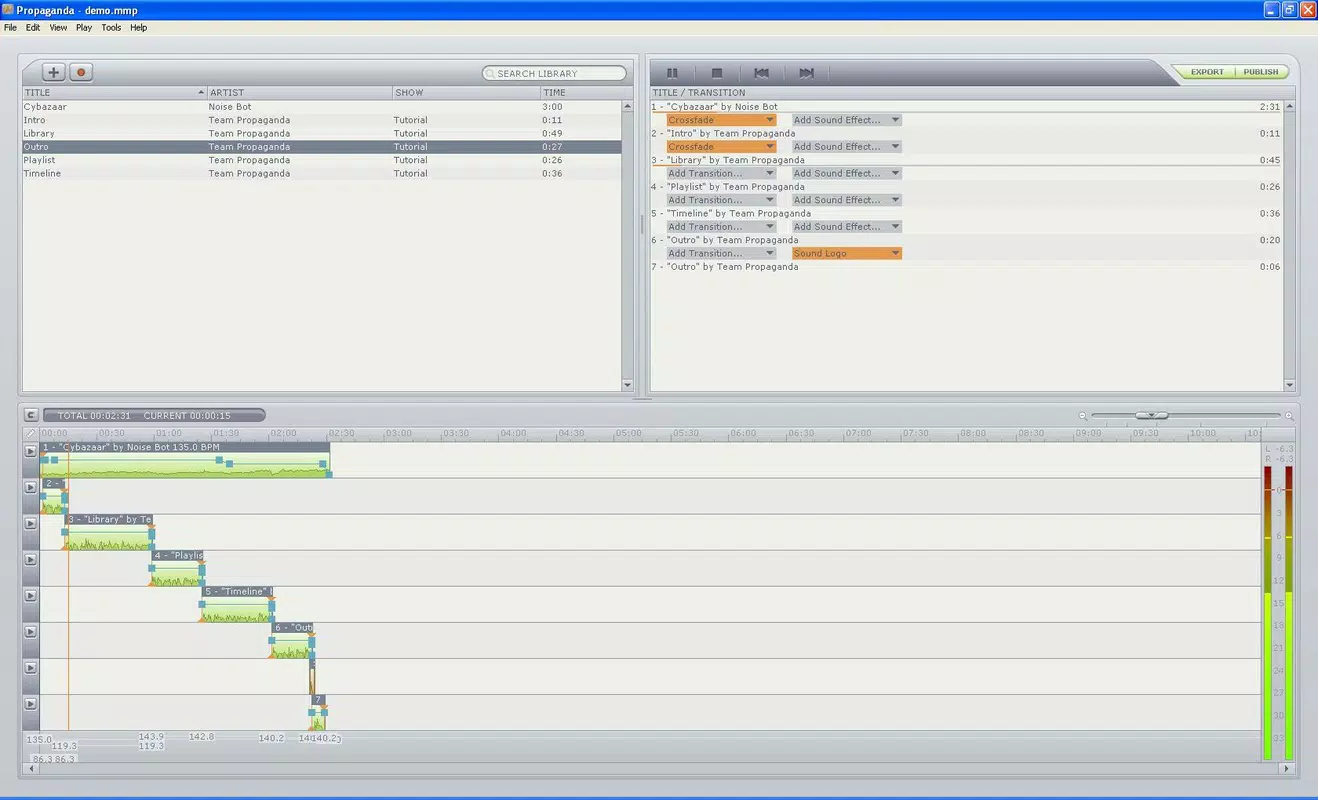
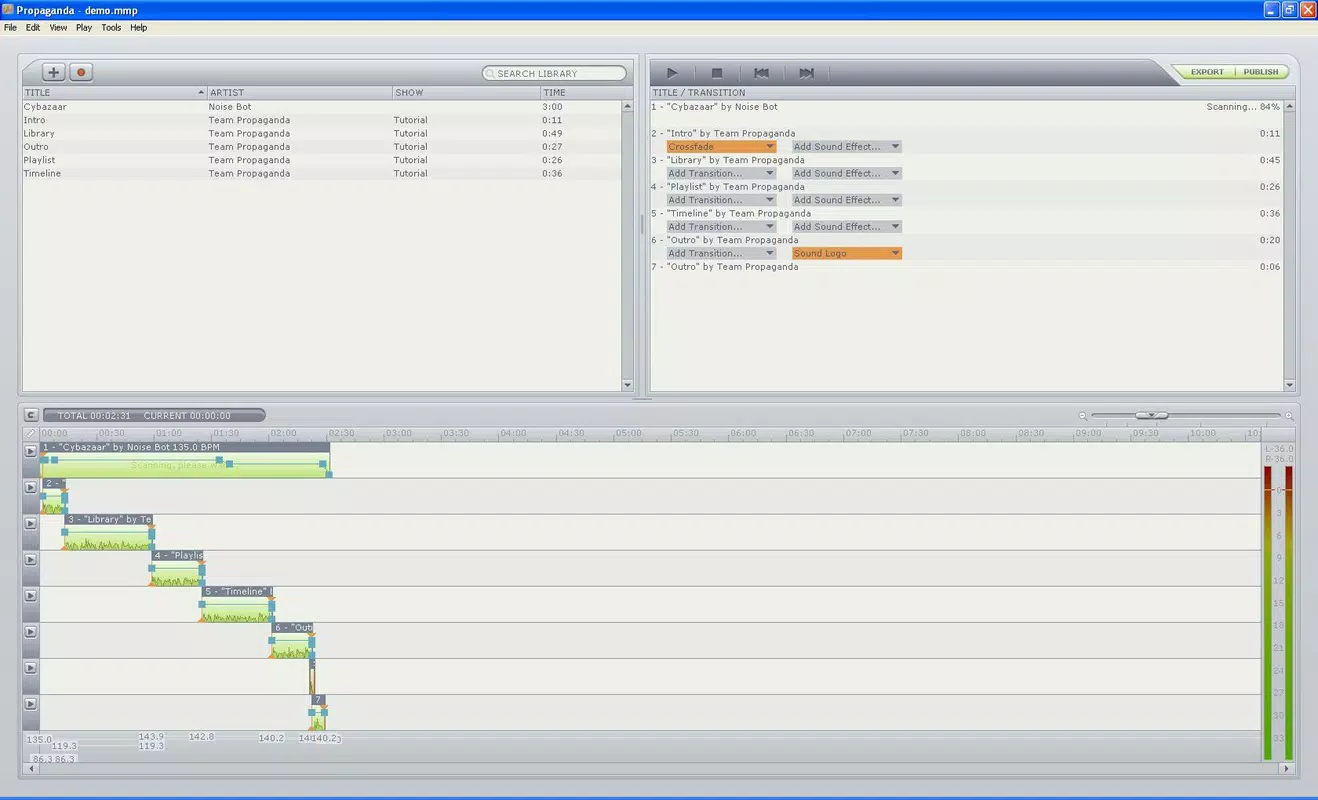
- User-Friendly Interface: Propaganda features an intuitive layout that allows users to navigate recording, editing, and publishing functions with ease. The absence of overwhelming menus or technical jargon ensures that even first-time podcasters can start producing content immediately.
- Comprehensive Recording Tools: The app provides customizable recording settings, enabling users to adjust audio input levels, select input sources, and manage recording quality. This flexibility supports both solo recordings and multi-person discussions, ensuring consistent sound across episodes.
- Seamless Publishing Options: Once a podcast is complete, users can publish their episodes using standardized formats such as RSS, XML, and HTML. This functionality simplifies the upload process to major podcast hosting platforms, eliminating the need for manual configuration.
- Customizable Themes: Propaganda allows users to apply different visual themes to their podcast episodes, helping to reinforce brand identity and enhance listener engagement. Themes can be changed between episodes to reflect evolving content styles.
- Efficient Workflow: The app streamlines the entire content creation pipeline, reducing the time between recording and publishing. This efficiency is ideal for creators who aim to maintain a consistent posting schedule without technical delays.
For example, a student could record a weekly educational segment, edit it within the app, apply a theme matching their course topic, and publish it to a podcast directory—all within a single session. Similarly, a small business owner might use Propaganda to share industry insights, leveraging its straightforward tools to maintain a professional presence.
Interface, UX & Performance
The user interface of Propaganda is designed with simplicity and functionality in mind. Its layout prioritizes accessibility, with clearly labeled icons and logical navigation paths. Users can move between recording, editing, and publishing modes without confusion, contributing to a smooth overall experience.
Visual design elements are minimalistic, focusing on usability over ornamentation. This approach reduces cognitive load and helps users concentrate on content creation. The app’s responsiveness appears consistent across device categories, though the developer did not list formal performance metrics. Although the developer did not list formal performance metrics, the app’s lightweight file size of 1.3 MB suggests optimized resource usage.
Stability appears to be a strength, particularly given the app’s long-standing availability since 2010. Users can expect consistent behavior during recording and editing sessions, with minimal risk of crashes or data loss. The app’s lightweight nature also supports older Android devices, making it accessible to a broader audience.
Platform Compatibility & Technical Requirements
Propaganda is available exclusively on the Android platform. The current version is 1.0.1, with a file size of 1.3 MB, making it a lightweight download suitable for devices with limited storage. The app is free to download and use, with no in-app purchases or subscription fees reported.
The developer did not specify minimum OS requirements or device compatibility details. As such, users should ensure their Android device supports the app’s functionality through official app store channels. Compatibility information was not fully disclosed, so installation may vary based on device configuration.
Pros and Cons
Pros
- Intuitive interface designed for beginners and experienced users alike
- Integrated recording, editing, and publishing tools in one app
- Supports multiple publishing formats (RSS, XML, HTML)
- Customizable themes for branding and visual consistency
- Lightweight file size (1.3 MB) suitable for older devices
- Free to download and use with no hidden costs
Cons
- Developer did not provide specific OS version or device compatibility details
- No information on advanced editing features or audio effects
- Limited availability—only on Android, not iOS or other platforms
- No mention of cloud backup or sync across devices
- Outdated release date (2010) raises questions about ongoing support
FAQ
Is Propaganda safe to download and use?
Yes, the app is free and available through official Android channels. As with any app, users should ensure they download it from trusted sources to maintain device security.
Can I use Propaganda on iOS devices?
Currently, the app is only available on Android. There is no official iOS version reported by the developer.
Does Propaganda support multi-track editing?
The developer did not specify whether multi-track editing is available. The app focuses on streamlined podcast production, but detailed editing capabilities were not disclosed.
How often is Propaganda updated?
There is no publicly available information on update frequency. The last known release was in 2010, which may indicate limited ongoing development.
Can I publish my podcast directly to platforms like Spotify or Apple Podcasts?
Propaganda supports standard publishing formats like RSS and XML, which are required by major platforms. Users can generate these files and upload them manually to services such as Spotify or Apple Podcasts.
Final Thoughts
Propaganda stands out as a dedicated tool for creators seeking a straightforward path to podcast production. Its focus on simplicity, combined with essential features like recording, editing, and publishing, makes it a valuable asset for anyone entering the world of audio content. While the app’s age and lack of modern updates may raise concerns about current support, its lightweight design and free access continue to offer real value.
Those who prioritize ease of use, affordability, and a no-frills workflow will find Propaganda particularly beneficial. It’s ideal for students, educators, and independent creators who want to share their voices without technical complexity. Despite its limitations, the app remains a functional option in the productivity space.
Download Propaganda now


